

View pageas Markdown ChatGPT
 Claude
 Perplexity
 Google AI Mode
 Microsoft Copilot
 Grok
Grok Mistral Le Chat
Ask an AI about this page
ChatGPTClaudePerplexityGoogle AI ModeMicrosoft CopilotGrokMistral Le ChatTurn on two-factor authentication
Two-factor authentication (2FA) adds a second check when you sign in to the merchant dashboard. With 2FA, your password alone does not open your account.
Turn on 2FA
Section titled “Turn on 2FA”Do this for your own sign-in. Keep your phone near you.
- Sign in to the merchant dashboard.
- In the top menu, choose Profile.
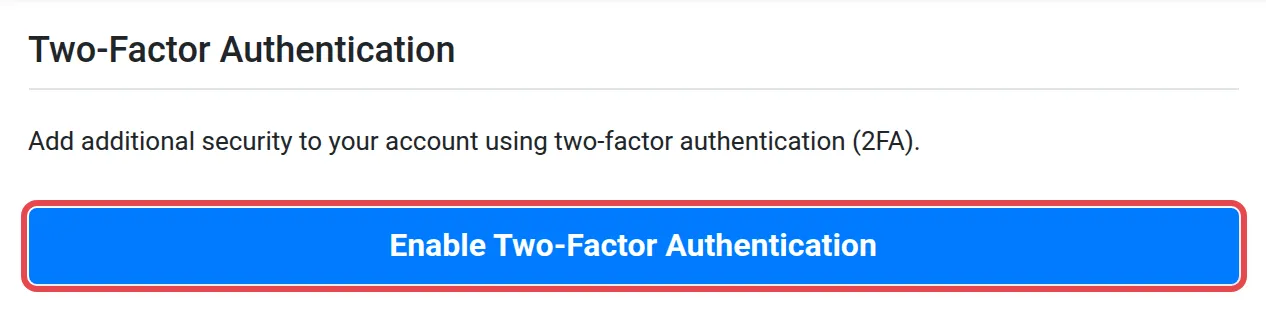
- Choose Two-Factor Auth. The Two-Factor Authentication page opens.
- Choose Enable Two-Factor Authentication.
- Follow the instructions on the screen.
These habits keep your account safe:
- Use a strong password that you use only for Bayarcash. 2FA is a second lock. It does not replace a good password. See Reset or change your password.
- Turn on 2FA before you connect a shop. Your account holds your API keys. See Find your API keys.
Common issues
Where do I turn on 2FA?
In the top menu, choose Profile, then Two-Factor Auth. Then choose Enable Two-Factor Authentication.
Why must I use 2FA?
With 2FA, a person who knows your password still cannot sign in without the second check.
Was this article helpful?
Thanks for your feedback.
Sorry this didn't help. WhatsApp us and we'll sort it out with you.