

 ChatGPT
 Claude
 Perplexity
 Google AI Mode
 Microsoft Copilot
 Grok
Grok Mistral Le Chat
双重验证(2FA)会在你登录商家后台(merchant dashboard)时多加一道验证。开启2FA后,单靠密码无法打开你的账号。
为你自己的登录开启2FA。把手机放在身边。
- 登录商家后台。
- 在顶部菜单点击Profile。
- 点击Two-Factor Auth。Two-Factor Authentication页面会打开。
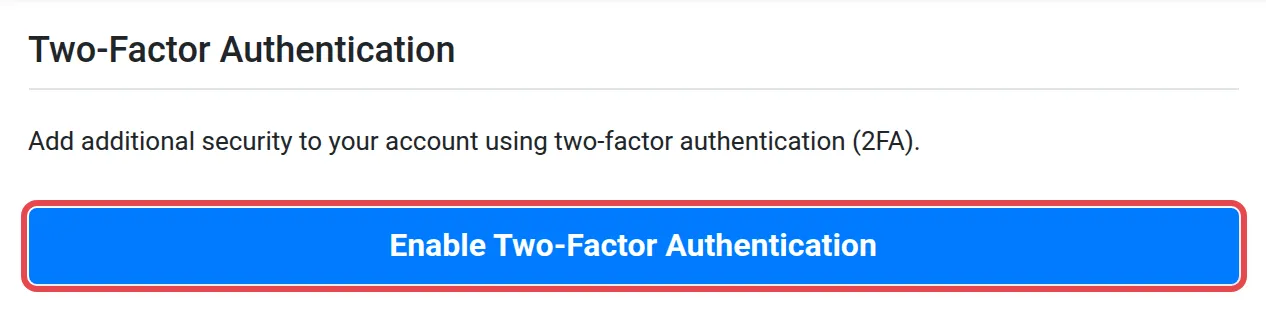
- 点击Enable Two-Factor Authentication。
- 按照屏幕上的指示操作。
这些习惯能保护你的账号安全:
- 使用一个只用于Bayarcash的强密码。2FA是第二道锁,不能取代好的密码。请看重设或更改你的Bayarcash密码。
- 连接网店之前先开启2FA。你的账号保存着你的API key。请看找到你的API key。
常见问题
在哪里开启2FA?
在顶部菜单点击Profile,然后点击Two-Factor Auth。接着点击Enable Two-Factor Authentication。
为什么我必须使用2FA?
开启2FA后,即使有人知道你的密码,没有第二道验证也无法登录。