

 ChatGPT
 Claude
 Perplexity
 Google AI Mode
 Microsoft Copilot
 Grok
Grok Mistral Le Chat
Bayarcash login:登录商家后台
登录商家后台(merchant dashboard),查看你的交易、payout、portal和API key。请使用你在Bayarcash注册的电邮地址。
你需要注册的电邮和密码。登录步骤:
- 前往console.bayar.cash/login。
- 输入你的电邮和密码。
- 点击Login to Console。你的后台就会打开。
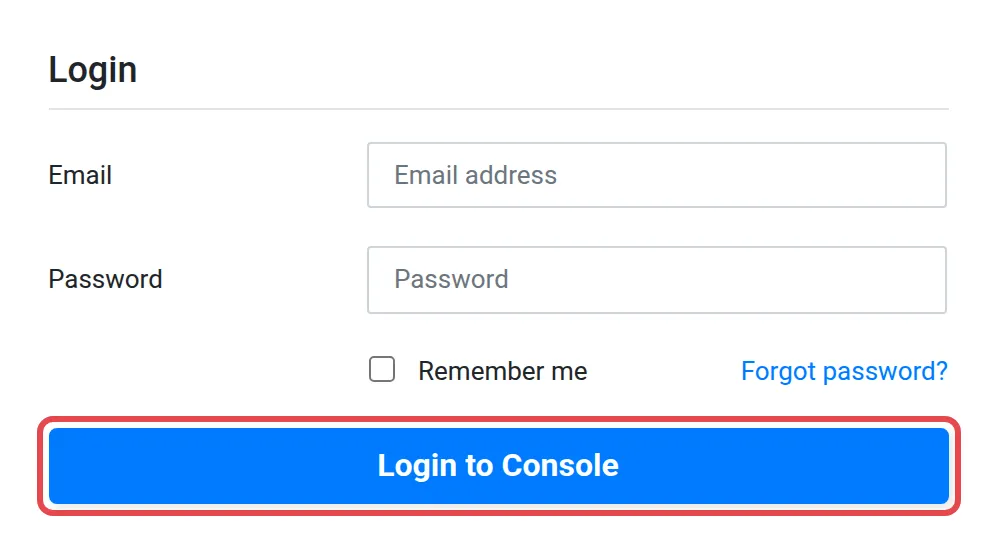
如果这是你第一次登录,请先设置自己的密码,然后再登录。请看重设或更改你的Bayarcash密码,按照忘记密码的步骤操作。
在sandbox测试
Section titled “在sandbox测试”开发者可以在sandbox商家后台console.bayarcash-sandbox.com测试,不会产生真实交易。sandbox有自己的API key。请看找到你的Bayarcash API key、PAT和portal key。
常见问题
我无法登录,该怎么办?
确认你用的是在Bayarcash注册的电邮,然后重设密码。请看重设或更改你的Bayarcash密码。
这和BCL是同一个登录吗?
不是。console.bayar.cash的商家后台和bcl.my的BCL要分开登录。请看什么是Bayarcash。